There is an add-on on the official Mozilla store called Age verification bypass. Version 1.3.0 shipped on 29 September 2026. It has 17,819 users and a rating of 4.2 from 56 reviews. It is signed by Mozilla, it installs in one click, and it runs on Firefox for Android as well as on the desktop.
The listing does not hide what it is for. It says it “skips the verification screens of various platforms” and then names them: AliExpress, Agechecker.net, Agego.com, Ageverif.com, Bluesky, Reddit, Spankbang, Veriff, and X. The source repository has 1.3k stars and 48 forks.
Now read the part that matters. The extension does not beat a document check. It does not beat a face model. It does not generate a fake passport, inject a video stream, or borrow an adult’s credential. It never goes near any of that.
It intercepts the call that reports success, and it removes the panel sitting on top of content the server already delivered.
If that works against your site, then your age check was never the thing protecting your content. A piece of JavaScript in the user’s browser was.
An age gate is two systems and you probably only bought one
Write the two halves down separately, because almost every age assurance conversation collapses them into one word.
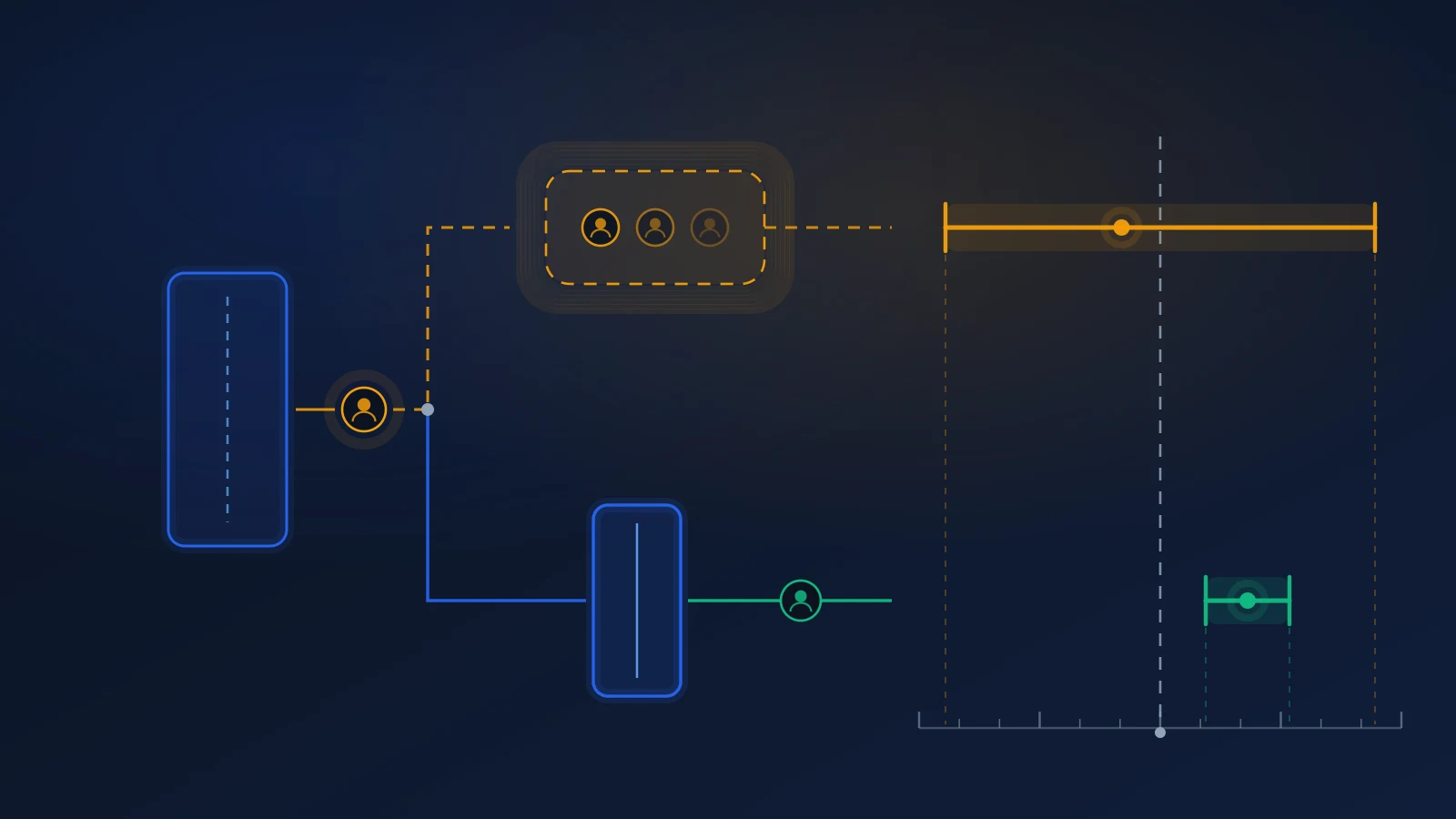
The decision answers a question about a person. Is this user over 18. How confident are we. Which method produced the answer, at what threshold, with what evidence. This is the part that has vendors, standards, certification schemes, accuracy benchmarks and procurement processes. This is the part you bought.
The enforcement answers a question about a byte stream. Does this HTTP response contain the restricted content, or does it not. This is one branch in your own code. It has no vendor, no certificate and usually no owner.
Every attack discussed on this blog so far has gone after the decision. Retry abuse rolls the estimator until it gives the wanted answer. Injection attacks feed a synthetic face to a liveness check. Borrowed and shared devices put the wrong person in front of a correct check. Resold verified accounts buy a decision that was once true about somebody else. All of those are real, and all of them require some effort.
This extension skips the whole category. Why defeat a face model when you can delete a div.
What the client-side version of enforcement actually looks like
Four patterns do nearly all of the damage. You will recognise at least one of them from code you have shipped.
1. The boolean flag. The check passes, and the front end sets age_verified=true as a cookie or in localStorage. On every later request the server reads the flag and trusts it. The flag was written by the browser, so the browser can write it without any check happening. This is two lines in the developer console, or one line in an extension. A child who finds the trick once can repeat it on any device.
2. The success callback. The verification widget runs in an iframe or a popup and signals the result to your page, often with postMessage or a JavaScript callback. Your page treats that message as the decision and unlocks. But the message arrives from inside the browser, and anything in the browser can send the same message. Several of the integrations that this extension names are defeated exactly here: it answers the popup on the user’s behalf.
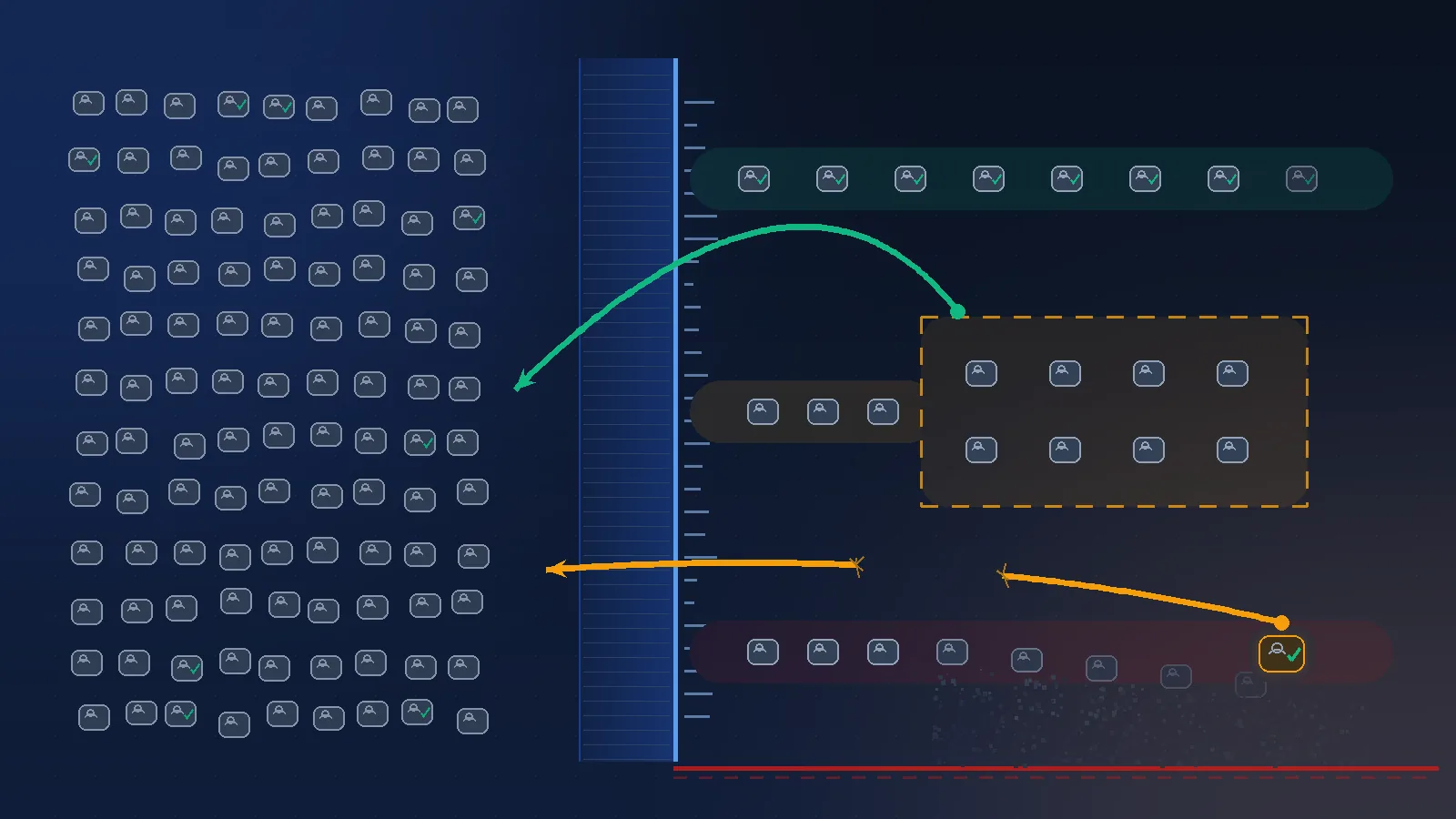
3. The overlay. The page renders the restricted content, then puts a modal, a blur filter or an opacity layer over it until the check passes. The content is in the DOM. It is in the HTML response. It is in the browser’s cache, in the page source, and in the network tab. Removing the cover is a one-line CSS change. That is exactly what a second extension in this space does: it reads the overlay elements on a page and deletes them.
4. State that only lives in the front end. Your single-page app holds user.ageVerified in a store, and the components read it to decide what to render. The API that fills those components does not read it at all, because the front end is “already handling that”.
The common shape is simple. In all four cases, the restricted bytes left your server before anything verified anything.
The entry points that never had a gate at all
Even teams who get the main flow right usually gate one surface and forget the rest. Go through this list against your own system and count the ones you can answer with certainty.
- The JSON API your own front end calls. If
/api/v1/items/4821returns the restricted record to a plain request with a session cookie and no age claim, your gate is decoration. Single-page apps make this easy to get wrong. The gate feels like it is in the router. - The mobile endpoints. Often an older API version, often written before the age work, often still live because a 2023 app build depends on it.
- The embed. Your player or widget renders inside somebody else’s page. Whose check runs there, and does the token travel.
- Direct media URLs. The page is gated and the video file sits on a public, unsigned, cacheable URL. The address is in the network tab of the gated page.
- The content delivery network cache. You added the check at the application layer. The edge is still serving a copy it cached before the gate existed. Or it serves one response to every user, because the cache key ignores the age claim.
- Feeds and sitemaps. RSS, oEmbed previews, your own sitemap, the Open Graph image. These are built to be fetched without a session.
- The thumbnail. For a surprising amount of restricted content, the preview image is the content.
A regulator’s question is not “is your signup flow gated”. It is whether a child can encounter the content on your service. Every item on that list is your service.
Your certificate covers the decision. Every question is about the enforcement.
This is the part worth being precise about, because it decides who carries the problem.
Ofcom’s guidance on highly effective age assurance sets four criteria. Two of them matter here. A method is technically accurate to the degree it “can correctly determine the age of a user under test lab conditions”. A method is robust to the degree it “can correctly determine the age of a user in actual deployment contexts”.
Read those two again, side by side. Accuracy is a lab property of the vendor’s model. Robustness is a property of your deployment. A vendor can hand you a genuinely excellent result on the first and tell you nothing about the second, because the second is mostly your code.
The same guidance is explicit about workarounds. Ofcom says it expects providers “to identify and take appropriate steps to mitigate against methods of circumvention that are easily accessible to children, and where it is reasonable to assume that children may use them”. It also says services should not host or permit content that directs or encourages child users to circumvent the age assurance process.
Hold that sentence next to the facts in the first paragraph. The add-on is listed on the browser vendor’s own store. It is cryptographically signed. It installs with one click, on a phone, for free, with no technical knowledge. It has a 4.2 star rating and 56 reviews, which means people are finding it, using it and reporting that it works. If a signed one-click add-on with 17,819 users is not “easily accessible to children”, nothing is.
And the test underneath all of it is about encountering, not about intent. The obligation is that children are not normally able to encounter the content. Not that you asked. Not that you displayed a check. Not that your vendor’s model scored well on a benchmark.
So the uncomfortable summary is this. The certificate in your compliance folder is evidence about the half of the system nobody is attacking. The half being attacked has no certificate, because you wrote it.
Seven rules that put the gate back on the server
One invariant sits under all seven. The restricted content must not be in the response until a signed assertion has been verified on your server. Everything below is a consequence.
1. Verify a signature, not a flag. The result of an age check must arrive as something your server can check cryptographically. That means a signed assertion from the provider, verified against their public key. Or a result your backend fetches directly from the provider’s API using your secret key. A cookie holding true is not a result. A postMessage is not a result. Both are requests from the browser, and the browser belongs to the user.
2. Bind the assertion to the session and the audience. A valid signed token that can be replayed from another session, another device or another site is a transferable adult pass. Put the session identifier and your own domain inside what gets signed, and reject anything where they do not match. Without this you have built the resale market described in that earlier post.
3. Give it a short life and check the expiry server-side. Minutes for the handover from check to session, not days. A long-lived assertion is a credential, and credentials get shared. Freshness policy for the age claim itself is a separate question, covered in the post on re-verification cadence.
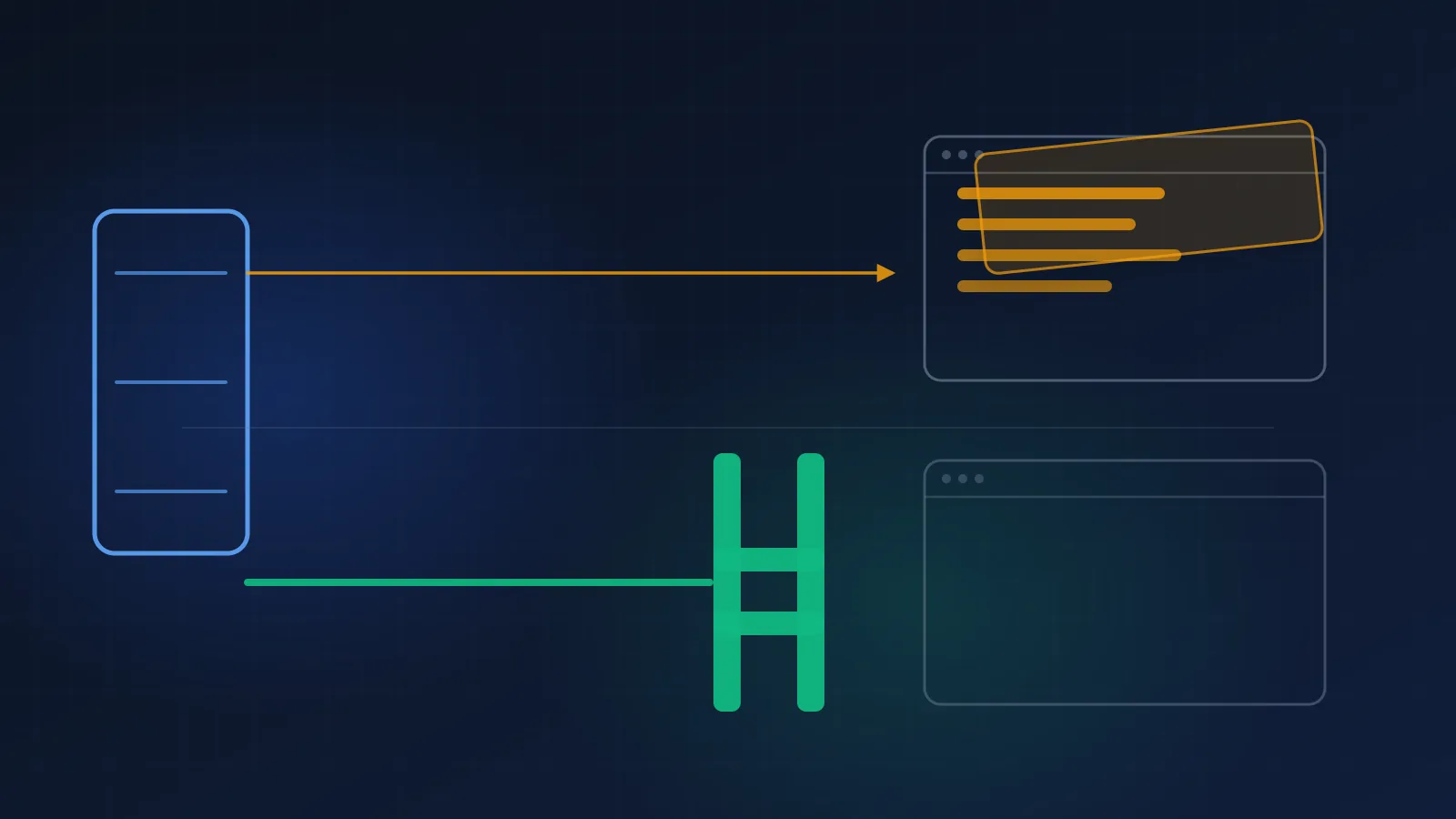
4. Enforce at the point the response is built, not at the point the page is drawn. The branch belongs in the handler, the resolver or the middleware that produces the body. If the restricted field is in the JSON, the gate is in the wrong place. Deleting it on the client is theatre, and extensions are built to defeat theatre.
5. Deny by default, and fail closed on the age path. An unrecognised, expired or missing assertion is a refusal, not a fallback to open. When your provider is unreachable the correct answer for a restricted surface is to refuse, which costs you a session, rather than to serve, which costs you the obligation. The wider trade-off, including the cases where failing closed is the wrong call, is in the post on vendor outages and degraded mode.
6. Sign the media too. Restricted files get short-lived signed URLs, generated only after the server has verified the assertion. The cache key includes the age claim, so the edge cannot serve one response to everyone. If a URL copied out of a gated page still works in a private window tomorrow, the gate ends at the HTML.
7. One enforcement function, called from every entry point. Web, API, mobile, embed, feed, media. If the check is written out separately per surface, the surfaces will drift, and the one that drifts is the one nobody owns. This is the same argument made for signal precedence: one function, one owner, tests.
Five tests, one hour, and you will know
You do not need a penetration test to find out which side of this you are on. You need a terminal and a browser.
Test 1. Ask the server with nothing. Request a restricted page and a restricted API path with no cookies at all. If the content comes back, nothing is gating it.
curl -s -o /dev/null -w '%{http_code}\n' https://example.com/restricted/4821
curl -s https://example.com/api/v1/items/4821 | head -c 400
Test 2. Claim to be verified. Send the flag your own front end sets, and nothing else. If a hand-written cookie unlocks the response, so does an extension.
curl -s -H 'Cookie: age_verified=true' https://example.com/restricted/4821 | grep -c 'restricted-body'Test 3. Turn JavaScript off. Load the gated page with scripting disabled. A gate that disappears when the script does not run was never a gate. The content either arrives or it does not.
Test 4. Go around the page. Open the gated page as a verified user. Copy the API calls and the media URL out of the network tab. Replay them from a private window with no session. This is the test that finds the forgotten surfaces.
Test 5. Wait, then replay. Take the signed assertion from a successful check and send it again an hour later, from a different browser profile. If it still works, it is a credential rather than a handover.
Put the five in your release checklist for anything that touches the age path. For a quality assurance tester, the instruction is plain. Open the restricted page and confirm the content is blocked. Then check the page source, the network tab and the saved page. The content should not be in any of them.
Three fixes that are not fixes
Renaming the cookie. Obfuscating the flag name, hashing it, or splitting it across two keys changes nothing. The attacker reads your own JavaScript to learn the new name. This is security by not being read, and extensions exist because people read.
Bot detection and rate limits. These are good controls for other problems. They do not apply here. The traffic is a real user, in a real browser, with a real session, making one request. There is nothing anomalous to detect.
Trying to block the extension. You cannot. You can detect some extensions some of the time, and the detection breaks on the next release while annoying people using screen readers and ad blockers. Ofcom’s expectation is that you mitigate circumvention, and the mitigation that works is making the content absent from the response. An arms race against a browser you do not control is not a mitigation.
Client-side inference is fine. Client-side enforcement is not.
One honest complication, because this blog has argued for client-side processing many times and that argument still holds.
Xident’s facial age estimation runs in the browser on purpose. The model is loaded into the page and the camera frames are processed locally, so no face image is sent anywhere. That is a privacy design, and we have written about why it reduces the data you hold and the breach surface you carry.
Nothing in this post contradicts that, because the two things happen at different layers.
Inference in the browser answers a question about a face. Enforcement on the server answers a question about a response. Running the model locally is a choice about where the biometric data goes. Trusting the browser’s claim about the outcome is a choice about who gets to decide, and the answer to that one is never the client.
The connection between the two is the signed result. The model runs locally, produces an outcome, and the platform receives a cryptographic token confirming it. That token exists precisely so the server can decide. An integration that receives the token and checks it on the server is correct. An integration that receives the token, sets a boolean and renders is the exact pattern the extension in the first paragraph was written for.
How Xident fits
The result is a signed artefact, not a browser state change. The verification returns a cryptographic token confirming the outcome. Your backend verifies it before building the response. The gate is yours, and that is the point: nobody can gate your content except your own code.
Decisions are recorded, which is what an enforcement question needs. Every decision carries method, outcome, threshold, confidence, policy version and timestamp. When somebody asks how a given session came to be treated as adult, the record answers, including the cases where a token was rejected.
Threshold classifications are comparable across surfaces. Results come back as over or under a stated age, with a configurable buffer per surface. One enforcement function can then serve a soft surface and a hard one, without a second integration.
Step-up is part of the same flow. Refusing is only acceptable if the user has somewhere to go. Escalation from a browser Check to document verification with a face match happens in the same session, so rule 5 does not turn into a dead end.
Checks are cheap enough to enforce everywhere. The reason teams gate one surface and skip the API is usually that they priced the check as a document scan. A Check is roughly a tenth of a Verification. On Growth it is €0.02 against €0.20. That difference is what makes “verify at every entry point” an affordable sentence rather than a slogan. Rates are on the pricing page.
Document images are deleted within 24 hours of processing. What survives is the decision record, which is the part an audit needs and the part that does not become a breach notification later.
The free sandbox grants 1,000 Checks and 100 document Verifications as one-time allowances. That is enough to wire the server-side verification path and run the five tests above, before you commit to anything.
The short version
An add-on on the official Mozilla store, signed, free, one click, 17,819 users, updated on 29 September 2026, removes age verification screens on nine named services. It beats no age check at all. It answers the success callback, or it deletes the overlay covering content your server already sent.
That works because an age gate is two systems and most teams only bought one. The decision has vendors, benchmarks and certificates. The enforcement is a branch in your own code with no owner.
Ofcom’s wording lines up with the attack rather than with the certificate. Accuracy is measured in lab conditions. Robustness is measured in actual deployment contexts, which means your deployment. Providers are expected to mitigate circumvention that is easily accessible to children, and a one-click signed add-on is as accessible as it gets. The test is whether a child can encounter the content, not whether you asked.
So move the gate. Verify a signed assertion on the server. Bind it to the session and your domain, and keep it short-lived. Build the response from that decision rather than hiding fields afterwards. Refuse when the assertion is missing. Sign the media URLs. Call one enforcement function from every entry point you have.
Then spend an hour running the five tests. Curl with no cookie. Curl with a hand-written cookie. JavaScript off. Replay the API and media URLs from a clean window. Replay the token an hour later. Either the content stays on your server or it does not, and that answer does not depend on anybody’s certificate.
This post is general information about age-assurance architecture and public policy, not legal advice. Regulatory expectations and guidance differ by jurisdiction and continue to evolve; consult qualified counsel for your specific obligations.