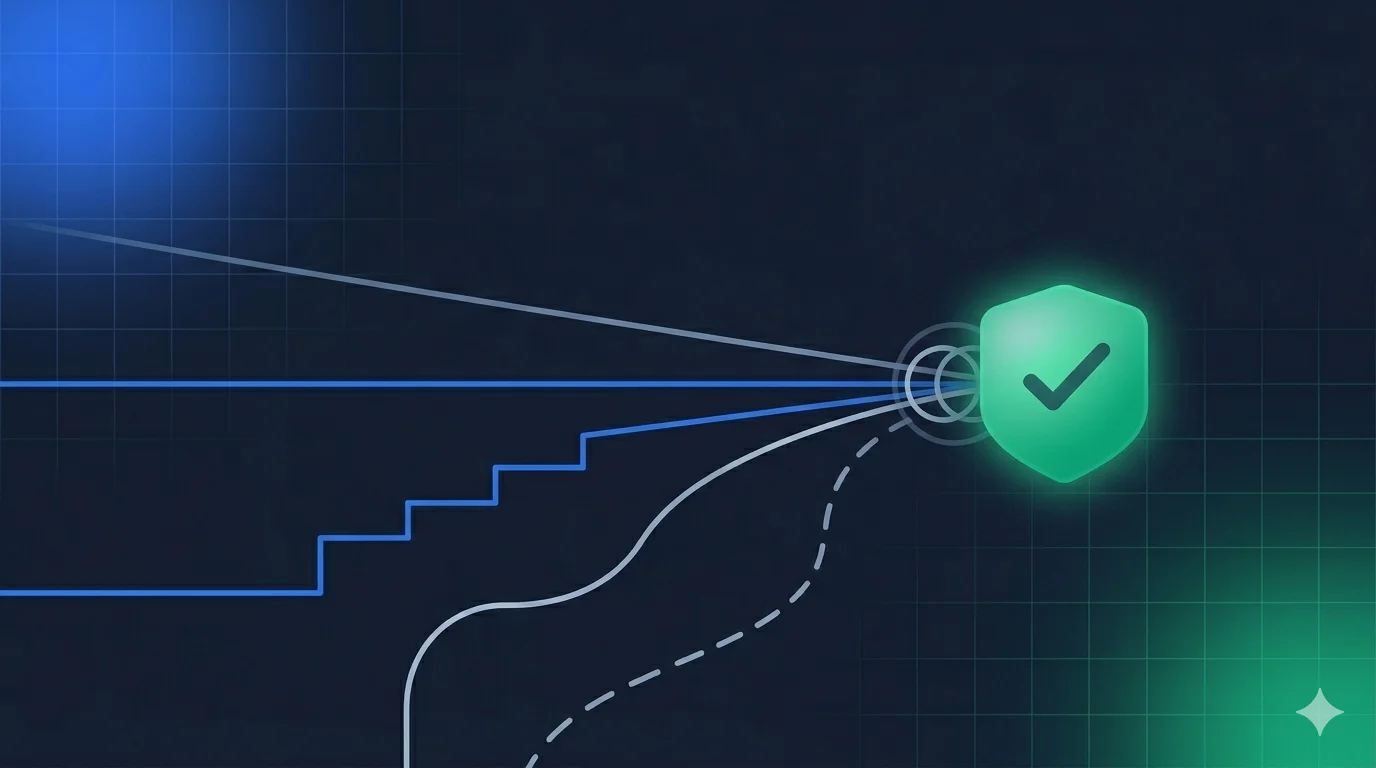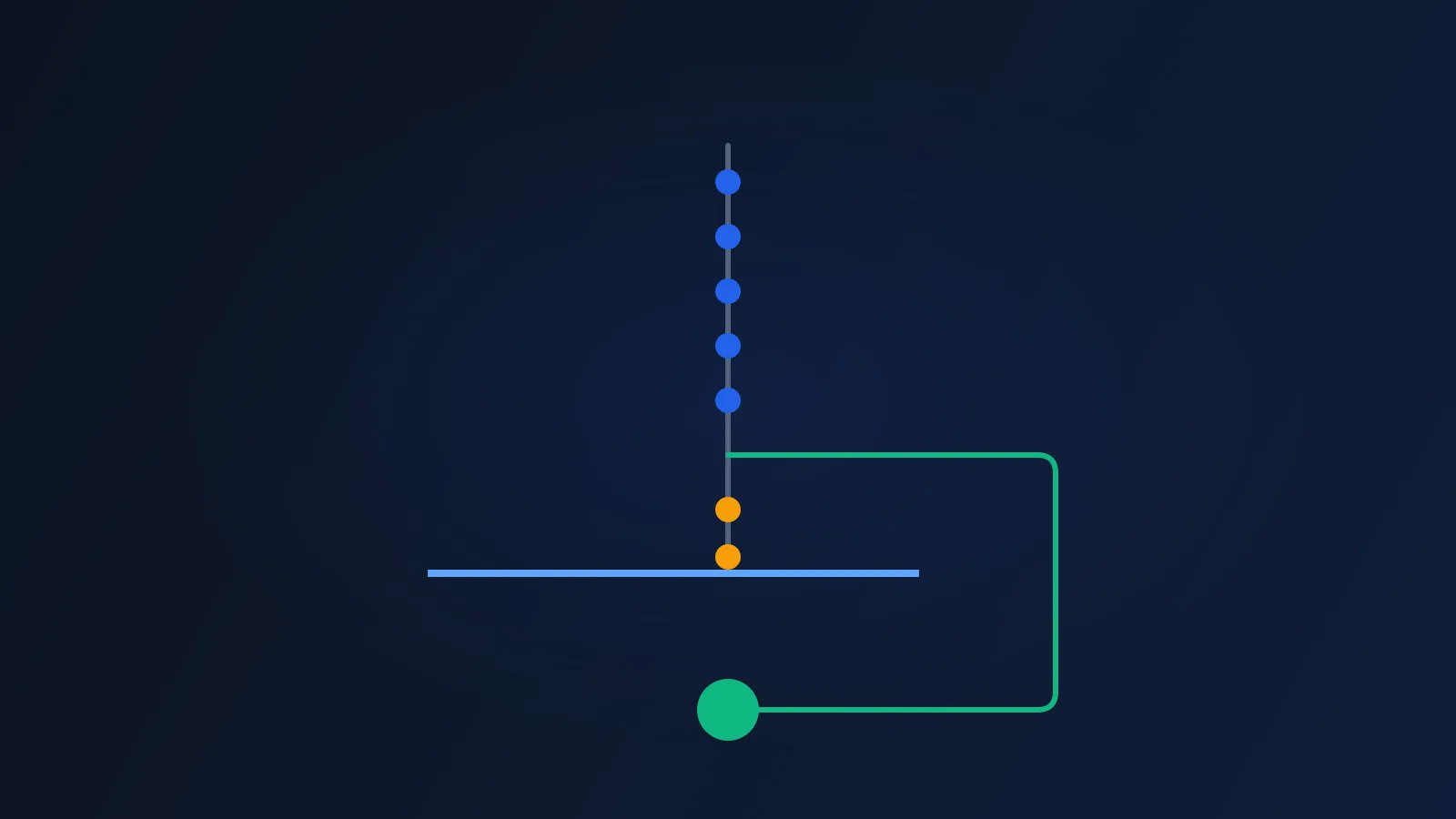
Look at the last step of your age check. For most platforms it reads “upload a government ID”. Everything before it is built to avoid that step. Facial age estimation clears most adults, a stored token clears the returning ones, and the document is the final proof for whoever is left.
Now take an adult who has no usable document. Or one who has a passport and won’t send it to a website. The last step is not friction for that person. It’s the end of the road. They don’t file a ticket. They close the tab, and your dashboard counts them as “abandoned”.
This post is about that exit. It covers how to size it, what the rules say about it, what it costs, and how to build a ladder that has no dead ends. It also includes a short test that fails your build when someone adds a step with nowhere to go.
Which number to use (not the famous one)
The figure going around this month is 850 million. The Electronic Frontier Foundation (EFF) used it in a piece on age checks and access to information, published in October 2026. It’s out of date. The World Bank’s latest data, published on 30 October 2025, puts it at about 800 million people without official proof of identity. That’s down from 850 million in 2021 and just over one billion in 2017.
The more useful detail is in the same source. More than half of those people are children whose births were never registered. So the global number mostly describes children, in countries where your platform may not operate.
Don’t size your problem with it. The size of your problem is a number only you can measure: adults who reach your last step and leave without a result. It could be 0.2% of sign-ups or 6%. The global figure tells you the problem exists. It can’t tell you how big it is on your site.
Four adults who can’t finish
The adults who fail at a document step are not one group. They fail for four different reasons, and each reason needs a different exit.
- No document. An 18-year-old who has never driven or travelled may hold nothing with a photo and a birth date. This is common in the youngest adult band, which is also the band where estimation is least certain.
- A document the system can’t read. It’s expired, worn, from a country your vendor doesn’t cover, or the name on it doesn’t match the account.
- A document they won’t send. They have one, and they’ve decided a site that wants to see their passport is not a site they want. Some of these users are right to be careful. Our post on verification data retention and breaches explains why.
- No working camera. An old laptop, a locked-down work device, or a phone with a cracked lens.
Group two is the easiest to miss, because a single “retry” button seems to cover it. A retry doesn’t fix an expired licence.
The rules already assume more than one door
Regulators in two big markets have said, in different words, that one door is not enough.
Australia is the clearest. The law behind the under-16 minimum age rule prohibits platforms from compelling people to use government ID. The regulator’s guidance says platforms may offer ID as one option, but “must always offer a reasonable alternative”. The obligation started on 10 December 2025. Our Australia compliance guide walks through the layered design that follows from it.
The UK doesn’t forbid an ID step, but Ofcom’s list of methods that can be highly effective is wide. It includes open banking, mobile network operator checks, credit card checks, email-based age estimation, digital identity services, facial age estimation and photo-ID matching. Photo ID is one entry on a list of seven. A ladder with only that rung ignores six options the regulator has already accepted.
The EFF makes the argument from rights instead of rules. Its point is that people without documents lose access to information, not just convenience. You don’t need to agree with the EFF’s wider position on age checks to accept the narrow engineering point: a check that cannot be completed by some adults is a defect in the check.
What a dead end costs
Here is a model. The assumptions are mine, they aren’t Xident customer data, and you should replace them with your own numbers.
Take 100,000 adult sign-ups in a month on the Growth plan. A browser age check (a Check) costs €0.02. A document Verification costs €0.20.
- Estimation runs for everyone and clears 80%. That’s 80,000 adults, and 20,000 escalate to a document.
- Of those 20,000, 15% have no usable document or won’t upload one. That’s 3,000 adults, or 3% of all sign-ups.
| Dead end at the document | With a recovery rung | |
|---|---|---|
| Adults verified | 97,000 | 99,000 |
| Adults lost | 3,000 | 1,000 |
| Spend | €6,000 | €6,600 |
| Cost per verified adult | €0.062 | €0.067 |
In the second column, the recovery rung is a different route that costs €0.20 per attempt, all 3,000 people try it, and two thirds of them succeed. It costs €600 and recovers 2,000 adults. That’s €0.30 per recovered adult.
Cost per verified adult goes up by half a cent. You keep 2,000 more customers. If one customer is worth more than €0.30 to you, which is true for most platforms, the dead end is the expensive design. We covered the general version of this in the price of an age check is the wrong number.
One more cost sits outside the table: the support tickets, reviews and complaints from adults who were told they couldn’t prove they were adults.
Give every failure an exit
The fix is a rule, not a feature: every way a step can fail must lead to another step. Not to an error page, and not to “contact support” with no promise of an answer.
Here’s what that looks like for a typical ladder.
| Step | Needs | Who it fails | Where the exit goes |
|---|---|---|---|
| Browser age estimation | A camera and a clear face | Adults who look young, bad lighting, no camera | Returning-user token, then document |
| Returning-user token | A past successful check | Anyone new | Document or alternative route |
| Document and face match | A readable, current document | No document, unreadable, declined | Alternative route |
| Alternative route (bank, mobile operator, card or similar) | An account with that provider | Adults without that account | Assisted review |
| Assisted review | A person on your side and a time limit | Nobody, if the queue works | A decision, with a reason |
Three details matter here.
The last row must be a decision. Assisted review is the end of the ladder, so it needs an owner and a time limit. “We’ll get back to you” is a dead end with better manners. Our post on appeals and human override covers how to run that queue.
Alternative routes must reach the same bar or say they don’t. If a route can only show “probably over 18”, don’t treat it as full proof. Return a lower outcome and limit access to match. A restricted result is better than a refusal, and it’s better than a false pass. Our post on conflicting age signals shows how to rank outcomes.
Show the options on one screen. If the alternative route is buried three taps deep, most users who need it won’t find it. Regulators who ask for a “reasonable” alternative are not asking for a hidden one.
Write the ladder as data, then test it
You can’t audit a ladder that lives in forty if-statements. Put it in one table and test the table.
type Reason = "no_document" | "unreadable" | "declined" | "no_camera" | "low_confidence";

type Rung = {
  id: string;
  failsWith: Reason[];             // every reason this rung can fail for
  onFail: Partial<Record<Reason, string>>; // reason -> id of the next rung
  terminal?: "decision";           // only assisted review may end the ladder
};

export function findDeadEnds(ladder: Rung[]): string[] {
  const byId = new Map(ladder.map((r) => [r.id, r]));
  const problems: string[] = [];

  for (const rung of ladder) {
    for (const reason of rung.failsWith) {
      const next = rung.onFail[reason];
      if (!next) {
        problems.push(`${rung.id}: no exit for "${reason}"`);
        continue;
      }
      if (!byId.has(next)) problems.push(`${rung.id}: exit "${next}" does not exist`);
    }
  }

  // Every path must reach a rung that ends in a decision, with no loops.
  for (const rung of ladder) {
    const seen = new Set<string>();
    const stack = [rung.id];
    let reachesDecision = false;
    while (stack.length) {
      const id = stack.pop()!;
      if (seen.has(id)) continue;
      seen.add(id);
      const r = byId.get(id);
      if (!r) continue;
      if (r.terminal === "decision") reachesDecision = true;
      stack.push(...Object.values(r.onFail).filter((n): n is string => !!n));
    }
    if (!reachesDecision) problems.push(`${rung.id}: no path ends in a decision`);
  }
  return problems;
}
Run it in your test suite and fail the build if it returns anything. The first time you run it on an existing ladder, expect results. The usual finding is that no_camera and declined have no exit at the document step, because the original designer assumed that anyone who got that far would comply.
The test also protects you later. A new engineer who adds a “verify with a payment card” rung has to say what happens when the user has no card. The build asks the question for them.
Measure the exits, not only the successes
A completion rate hides this problem, because the people who leave are not in the numerator. Track three numbers per step.
- Exits: users who reached the step and left without a result. This is your dead-end rate.
- Share resolved: of all adults, how many each step clears. It tells you whether the alternative route is used at all.
- Time to a decision: the median and the 95th percentile. The slowest users are usually the ones the ladder serves worst.
Then split all three by age group, at least 18 to 24 against everyone older. The youngest adults are more likely to hold no document and more likely to be misjudged by estimation, so a problem here shows up in that band first. Our post on measuring age assurance goes further on how to build that report.
Where Xident fits
Xident’s ladder is built to keep the document step small. A Check runs on the device, estimates an age band (+12, +15, +18, +21 or +25) and clears everyone who is comfortably inside it. Only the people near your line escalate to a document Verification. A user who has passed once holds an Xident ID, and the next visit costs one Check. We describe that in verify once, prove everywhere, and the layered design is in age assurance orchestration.
Two limits are worth knowing before you plan around this.
First, the Basic plan has no document path at all. If estimation can’t clear a user on Basic, the exit has to be one you build on your side. That’s a reasonable trade for a platform that wants the lowest cost per check, but you should make it on purpose.
Second, the other routes in the table above (bank, mobile operator, assisted review) are yours to add around the integration. Xident returns a decision for the routes it runs. It doesn’t promise to run every method on Ofcom’s list.
Before you ship: five checks
- Run the dead-end test on your current ladder and fix every line it prints.
- Pick an exit for each of the four failures: no document, unreadable document, declined upload, no camera.
- Put a time limit on assisted review and report how often you miss it.
- Return a lower outcome from any route that can’t reach your threshold. Don’t round it up.
- Split your exit rate by age group and look at 18 to 24 first.
If you’re building or reworking a ladder, the Xident docs show how to configure the bands and the escalation order.