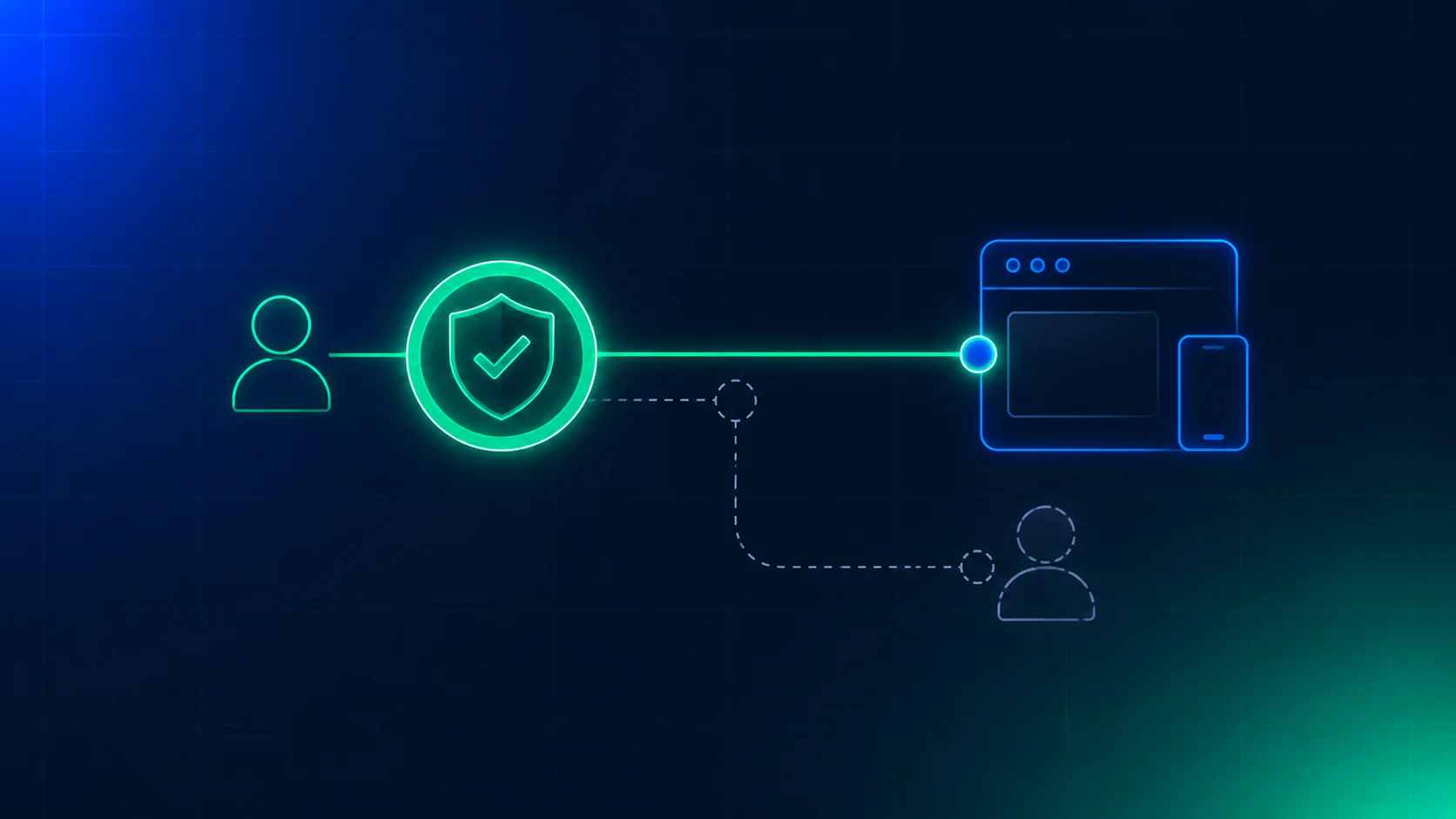
Apple shipped iOS 27.2 on 26 October 2026. Where the law requires an age check, a user can now confirm they’re an adult with a selfie. Apple’s support page describes four slow head turns and a model that estimates age. Before this, the options were a credit card or an ID scan.
Your app never sees the selfie. It sees an age range. That creates a quiet problem. Two users can arrive with the same “adult” flag. One flag rests on a document. The other rests on a face model’s best guess. If your gate reads only the flag, it can’t tell them apart.
What Apple shipped
This is what we could confirm from Apple’s support page and from news coverage on 27 and 28 October.
- When it appears. Apple may ask a user to confirm they’re an adult when they create an Apple Account, update software, change certain safety settings, or download or buy an app rated 18+. It depends on where the user lives.
- How it works. The user turns their head right, left, up and down. Age-estimation models run on the device and on Apple’s Private Cloud Compute (Apple’s own cloud servers). The results are combined on the device.
- What Apple says about privacy. The selfie isn’t accessible to anyone, including Apple, and it’s deleted after the check. These are Apple’s claims. Reports note that no independent test has confirmed them.
- What happens on failure. The user can try another selfie, or use a credit card or a government ID instead.
- Where. Apple’s page doesn’t list regions. One report says the selfie option is available in Australia, Brazil, Singapore and the UK. Another says the age rules may apply in those places plus South Korea and Texas, and that the selfie isn’t offered everywhere. Treat the region list as unconfirmed.
Apple has not published accuracy figures. It hasn’t said what happens to an adult the model gets wrong, or what record of the result it keeps.
What your app receives
Apple’s developer news says the Declared Age Range API returns an age category, a signal about the method of age assurance that was used, signals about which legal rules apply, and a parental permission signal. We covered the basics of the API in our earlier post.
One phrase there matters most for this post: “a device signal about the method.” We couldn’t read Apple’s reference pages, so we don’t know the exact values. We don’t know whether “face estimate” is its own value, or whether it shares a value with other methods. Open the reference in Xcode and check this before you write any rule. The names in our code below are ours, not Apple’s.
Why the same flag is not the same evidence
An ID scan compares a document to a live face. The check ends with a fact about a document. A face estimate ends with a probability. A 17-year-old who looks 19 can pass it. We wrote about the same effect at the 16 line, and about the opposite mistake in the adult lockout post.
Here’s the part that’s easy to miss. When you run your own estimate, you get a number. You can say “I only trust 21 or older, because my error data is poor at 18.” When Apple’s flag says “adult”, you get no number. The margin is hidden. You can’t apply a buffer to a value you can’t see.
So the method is the only handle you have. It tells you what kind of evidence stands behind the flag. Card-backed flags have their own weakness, which we described in the credit card post. A child can use a parent’s card.
There’s a second risk. A flag that arrives with no method is the same kind of mistake as tenure treated as proof. Something unchecked comes out looking checked. If the method is missing, treat the flag as the weakest kind, not the strongest.
Tie the rule to what the user is asking for
Not every feature needs the same evidence. Pick a tier for each one.
| Tier | Example | What we’d accept from the OS without asking again |
|---|---|---|
| Low | Comments, a feed with ordinary content | Any adult flag, even with no method |
| Medium | Mature-rated chat, user-generated adult themes | ID document or face estimate. Card, account history or unknown goes to your own age check |
| High | 18+ content, gambling, alcohol, anything with a fine attached | ID document only. Everything else goes to a document verification |
These are our defaults. Apple didn’t set them and neither did any law. Write your own, and write down why. The medium tier is the one to argue about. We accept a fresh face estimate there because a live model beats a card that anyone in a family can hold. We don’t accept it at the high tier, because the cost of a wrong answer is much higher.
A gate you can test
The function below takes the OS answer, the method, the tier and one more input: whether your own evidence disagrees. It returns either “accept” or “step up”, and it always says why. It also stamps the rule version, so you can show what ran on a given day.
export type Method = "id_document" | "payment_card" | "face_estimate" | "account_history" | "unknown";
export type Risk = "low" | "medium" | "high";

export type Decision =
  | { kind: "accept"; reason: "method_meets_tier" }
  | { kind: "step_up"; check: "age_check" | "document_verification"; reason: "no_adult_flag" | "method_below_tier" | "method_unknown" | "own_evidence_conflicts" };

export interface Input {
  osSaysAdult: boolean;
  method: Method;       // already mapped with normaliseMethod
  risk: Risk;           // the tier of the feature the user is asking for
  ownEvidenceConflicts: boolean; // e.g. your own check or a report says "minor"
}

export const RULE_VERSION = "2026-10-28";

// What each tier will take from the OS without asking again. These are our defaults, not Apple's and not the law's.
const needs: Record<Risk, Method[]> = {
  low: ["id_document", "payment_card", "face_estimate", "account_history", "unknown"],
  medium: ["id_document", "face_estimate"],
  high: ["id_document"],
};

export function normaliseMethod(raw: string | undefined, map: Record<string, Method>): Method {
  if (raw === undefined) return "unknown";
  return Object.prototype.hasOwnProperty.call(map, raw) ? map[raw] : "unknown";
}

export function decide(i: Input): Decision & { ruleVersion: string } {
  const v = RULE_VERSION;
  if (!i.osSaysAdult) return { kind: "step_up", check: "age_check", reason: "no_adult_flag", ruleVersion: v };
  if (i.ownEvidenceConflicts) return { kind: "step_up", check: "document_verification", reason: "own_evidence_conflicts", ruleVersion: v };
  if (needs[i.risk].includes(i.method)) return { kind: "accept", reason: "method_meets_tier", ruleVersion: v };
  return {
    kind: "step_up",
    check: i.risk === "high" ? "document_verification" : "age_check",
    reason: i.method === "unknown" ? "method_unknown" : "method_below_tier",
    ruleVersion: v,
  };
}
We ran it with ten tests on Node’s built-in test runner. All ten passed. They cover a low-tier flag with no method, an ID-backed flag at the high tier, a face estimate at the high and medium tiers, a card-backed flag at the medium tier, an unknown method, conflicting evidence beating an ID-backed flag, a missing adult flag, all fifteen method and tier pairs, and a method value that nobody mapped.
The last test matters most in practice. Apple will add values. Anything your map doesn’t know becomes unknown, and unknown is treated as the weakest method. The gate gets stricter when the API changes. It doesn’t get looser.
Where it breaks
| Failure | What happens | What to build |
|---|---|---|
| A shared device | One adult confirms their age, a child uses the same device or account | Bind the signal to a person before a high-tier action. See the shared device post |
| An older sibling’s face | A face estimate says adult for the wrong person | Don’t accept an estimate at the high tier. This is why the table exists |
| No signal at all | Web users, Android users, old iOS versions, regions with no requirement | Your own check is the main path, not the fallback. Apple’s flag covers only part of your users |
| The flag and your own evidence disagree | A user flagged adult has a profile that looks like a minor’s | Let your own evidence win, then step up. See the precedence post |
| A new method value | The API adds a method you haven’t seen | It maps to unknown. Add a monitor that counts unknowns, so you notice |
California’s AB 1043 already pushes in this direction. A signal can be the default, but it stops protecting you when you have clear evidence against it. We wrote about that in the AB 1043 post.
What the step-ups cost
Here is an example, not data from any platform. Say 100,000 users ask for an 18+ feature in a month. Say 40% of them arrive with a flag backed by a face estimate. That’s 40,000 step-ups at the high tier.
At €0.10 to €0.30 per document Verification on a paid plan, that’s €4,000 to €12,000 a month. A Check at €0.01 to €0.03 would cost €400 to €1,200 for the same 40,000 users. The gap is the price of choosing “document only” for the high tier. Some teams will decide a Check is enough. That’s a fair choice if you write down why. What you shouldn’t do is let the choice happen by accident because nobody looked at the method.
What we could not confirm
- The exact values the API returns for the method, and whether a selfie estimate has its own value.
- The accuracy of Apple’s model, for any age band, and its results by skin tone, age and lighting.
- Which regions get the selfie option today.
- What happens to an adult the model rejects, beyond “try again or use another method”.
- What Apple keeps after the check. Apple says the selfie is deleted. We found nothing about the result.
- Whether Apple’s age range is always shared with developers. One report says yes. We couldn’t confirm it in Apple’s own text.
Checklist for this week
- Open Apple’s Declared Age Range reference and write down every method value it can return.
- Add a
methodfield to the record you keep for each OS signal, next to the date and the app version. - Give each feature in your app a tier: low, medium or high.
- Write the table above with your own numbers and your own reasons.
- Map every known method value to your own list. Send everything else to
unknown. - Count how many users arrive with each method for two weeks, before you change any rule.
- Add an alert on the share of
unknown. A sudden rise means the API changed. - Run the new gate in shadow mode (logging decisions without acting on them) before you turn it on.
The short version
Apple made it easier to get an “adult” flag. It didn’t make every flag mean the same thing. A face estimate and an ID scan can look identical to your app, so you have to read the method and tie it to the risk of what the user asks for. Do that before an 18+ feature depends on a number nobody can see.
Xident provides age verification and age estimation with a decision record on every check. A browser Check is the lower-cost first step, and a document Verification is for users who need a stronger answer. On paid plans a Check costs from €0.01 to €0.03, and a document Verification costs from €0.10 to €0.30. We don’t read Apple’s API for you, because that call runs in your app. Talk to us about the step-up path behind your gate, or see pricing.