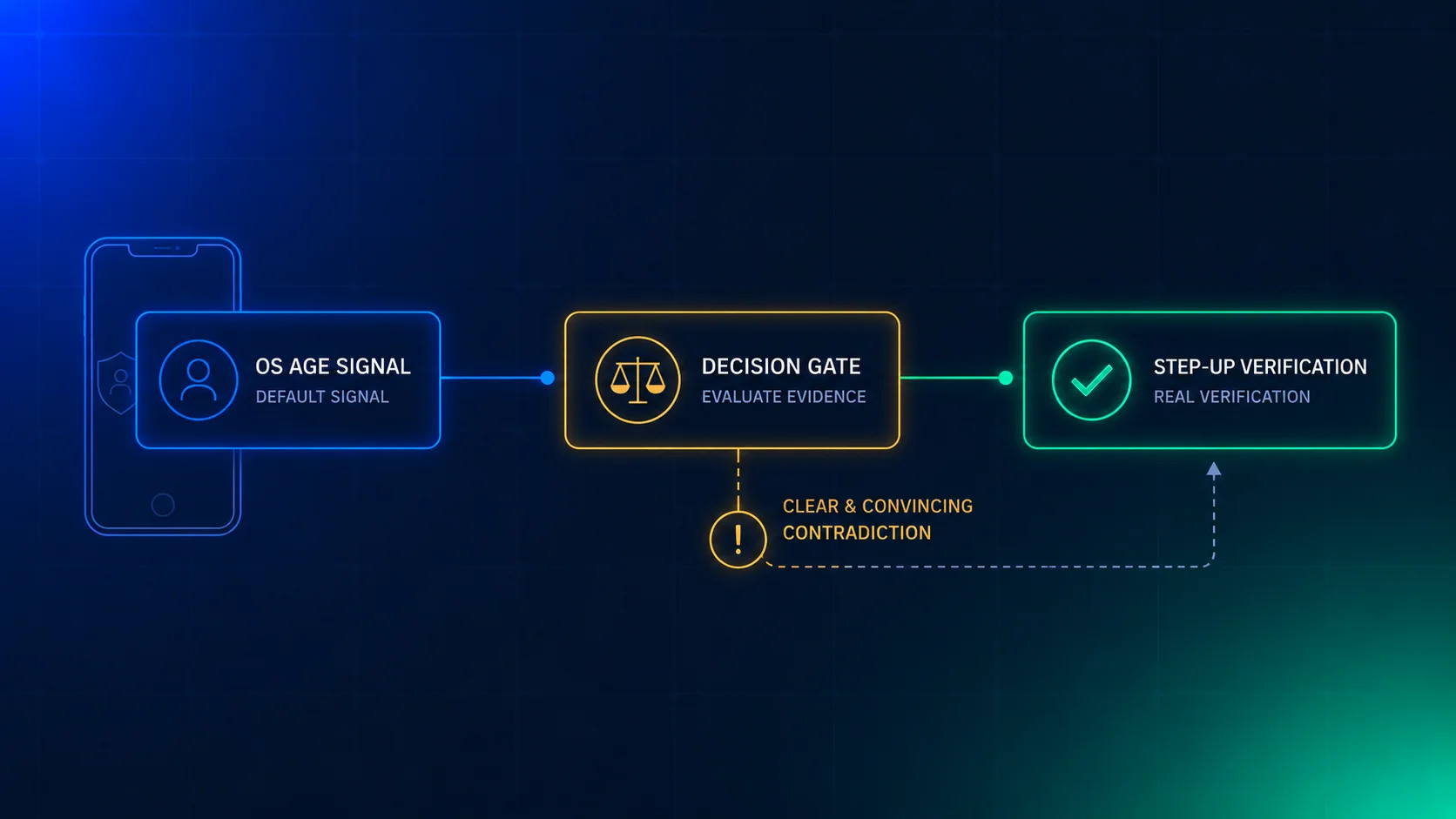
Most age gates start at sign-up or login. That is where the platform learns who you are, so that is where it checks your age. Now think about everyone who never gets that far. They open a public page, scroll, and leave. Your age gate never meets them.
Australia has just made that visitor a legal question. Its rules for search engines took effect on 27 June 2026, and they treat the logged-out visitor differently from the logged-in one. Not stricter. Different. This post explains how, and what it means for any platform that has public pages.
What the search engine code does
I’m working from news reports of the code, not the registered text. Information Age, the Australian Computer Society’s news site, gives the clearest account. Check the exact wording against the eSafety Commissioner’s site before you rely on it.
The code covers search engines such as Google and Bing. It was registered in June 2025. Search engines had six months from 27 December 2025 to apply it, and the rules took effect on 27 June 2026. The reported penalty is up to A$49.5 million per breach.
There are two groups of users, and they get different treatment.
Logged in. The search engine can ask for age assurance when the user reaches age-restricted content or features. Google offers three ways to answer: a photo of a government ID, a selfie for facial age estimation by a third-party provider, or a credit card check. Long-standing account holders may never be asked, because the company already has strong reasons to think they’re adults. If the check says a signed-in user is probably under 18, the platform sets safety tools to their highest level by default.
Logged out. No age check at all. The search still works. The platform applies safety measures by default instead: sensitive thumbnails, such as pornographic or violent images, are blurred. The reports say a logged-out user can still click through to the content or switch off SafeSearch (Google’s content filter).
The second group is the interesting one. The regulator didn’t try to check anonymous people. It decided that not knowing someone’s age is a reason to choose a safe default, and it left the choice of check to the logged-in path.
Three states, not two
Most age gates have two states: verified and not verified. A visitor who isn’t verified is either blocked or let through, depending on how the gate was built. Both answers are wrong for an anonymous visitor, because “not verified” here doesn’t mean “failed”. It means “never asked”.
Treat it as a separate state. Four states cover most platforms.
| State | What you know | Typical source |
|---|---|---|
| Unknown | Nothing | Logged out, new session |
| Assumed adult | A strong signal, no check | Account that is years old, with a clean history |
| Verified adult | A check passed, at your age line | Age check result |
| Likely minor | A signal says under the line | Failed check, or an estimate below the line |
The “assumed adult” row has a catch. A signal like account age is only as good as the reason you trust it, and it fails silently when an old account is borrowed or sold. We covered that in account tenure as an age signal. Use it to skip a prompt, not to prove anything.
A soft default is a choice, with limits
Blurring a thumbnail is not a gate. A logged-out user in Australia can click through. A VPN (a service that hides where you connect from) can move them out of scope. Facial age estimation, when it does run, is off by one to three years in typical use, according to an RMIT professor quoted in the same report. A 16-year-old can pass as over 18, and a 19-year-old can be stopped.
So the soft default is the right tool for one kind of page and the wrong tool for another.
Use it when the page is mixed. A marketplace, a video site, a forum or a game store has mostly general content and a smaller sensitive part. Showing the general part to everyone and softening the sensitive part is proportionate.
Don’t use it when the restricted content is the product. A site that exists to sell alcohol, host adult content or run gambling needs a gate before the first byte, not a blur. Australia already requires stricter checks for pornographic sites since March 2026, according to the same report. Our Asia-Pacific post shows how the layers fit together across the region.
Write the defaults as a table
If your treatment of anonymous visitors lives in a dozen components, nobody can say what it is. Put it in one table and make the table the single source of truth.
type Visitor = "unknown" | "assumed_adult" | "verified_adult" | "likely_minor";
type Tier = "general" | "sensitive" | "restricted";
// show   = full content
// soften = shown blurred, visitor can ask to unlock
// hold   = not shown, no unlock offered
// gate   = age check before any content
type Treatment = "show" | "soften" | "hold" | "gate";

export const POLICY: Record<Tier, Record<Visitor, Treatment>> = {
  general: {
    unknown: "show", assumed_adult: "show", verified_adult: "show", likely_minor: "show",
  },
  sensitive: {
    unknown: "soften", assumed_adult: "show", verified_adult: "show", likely_minor: "hold",
  },
  restricted: {
    unknown: "gate", assumed_adult: "gate", verified_adult: "show", likely_minor: "hold",
  },
};

export const treatmentFor = (tier: Tier, visitor: Visitor): Treatment =>
  POLICY[tier][visitor];
TypeScript already refuses a table with a missing cell. Add a test for the rule that matters most, so a later edit can’t weaken it.
const VISITORS: Visitor[] = ["unknown", "assumed_adult", "verified_adult", "likely_minor"];

test("an unknown visitor never sees full sensitive or restricted content", () => {
  expect(treatmentFor("sensitive", "unknown")).not.toBe("show");
  expect(treatmentFor("restricted", "unknown")).not.toBe("show");
});

test("only a verified adult sees restricted content", () => {
  for (const v of VISITORS) {
    if (v !== "verified_adult") {
      expect(treatmentFor("restricted", v)).not.toBe("show");
    }
  }
});
One implementation detail decides whether any of this works. Do the softening on the server. If you blur an image with CSS, the full image is still in the page. A browser extension or the developer tools can remove the blur in one step. We wrote about that failure in client-side age gate bypass. For an unknown visitor, send a pre-blurred, low-resolution copy. Send the original only after the unlock succeeds.
Check on request, not on arrival
Here is the cost mistake to avoid. Once you accept that anonymous visitors need handling, it’s tempting to run an age check on every one who reaches a sensitive page. Don’t. Most of them don’t want the sensitive content, and you’d pay to ask a question nobody asked.
Run the check when the visitor asks to unlock. The softened content stays softened. A button says “Show”. The click starts the check.
Here is a model. The numbers are my assumptions, not Xident customer data. Replace them with your own.
- 1,000,000 anonymous visits in a month.
- 2% of them reach a sensitive surface: 20,000 visits.
- 5% of those ask to unlock: 1,000 checks.
At the Growth plan’s list rate of €0.02 per Check, that’s €20 a month. Checking all 20,000 would cost €400, and you’d have interrupted 19,000 people who didn’t ask. The unlock-on-request design is cheaper and it matches what the visitor wanted.
Two things to plan for.
Bots will press the button. Automated traffic clicks things. If each click starts a billable Check, a scraper can run up your bill. Rate-limit unlock requests per session and per network address, and don’t start a check until the request passes that limit. On the Basic plan the limit matters for a second reason. Basic stops at 100,000 Checks a month unless you buy a Check pack. Your real adults would be the ones who hit that stop. On Starter, Growth and Scale, usage past the allowance is billed after the fact. The pricing page has the current terms.
A pass should last. If a visitor proves their age and the next page softens again, they’ll leave. Store the result against the session. A returning visitor who holds an Xident ID needs one Check on the next visit, as we describe in verify once, prove everywhere.
Where Xident fits
Xident gives you the decision at the unlock moment. A Check runs in the browser, estimates an age band (+12, +15, +18, +21 or +25), and clears people who are comfortably inside it. Someone near your line can escalate to a document Verification. The result goes back to your server as a decision you can act on.
Xident doesn’t blur your pages, decide which of your surfaces are sensitive, or detect whether a visitor is logged out. That part is your front end and your policy table. Also, facial estimation has the error range described above, so a visitor close to your line may need the document step. Our Australia under-16 guide covers the social media side of the same regulator’s rules.
Before you ship: five checks
- List your surfaces by tier. Mark each page type general, sensitive or restricted. Most teams find their sensitive tier is bigger than they thought.
- Check what an unknown visitor gets today. Open each sensitive surface in a private window. If you see full content, that’s your first fix.
- Move the softening to the server. Serve a pre-blurred copy to unknown visitors, and the original only after the unlock.
- Rate-limit the unlock button before it can start a billable check.
- Measure four numbers: the share of visits that are unknown, the share that reach a sensitive surface, the unlock request rate, and the pass rate. Split the pass rate by age group. The measurement guide shows how.
If you want to try the unlock flow, the Xident docs show how to start a Check from your own button.